

Custom ERP Application Development Introduction
Connect Your Business Operations with Software Built Around Your Workflow
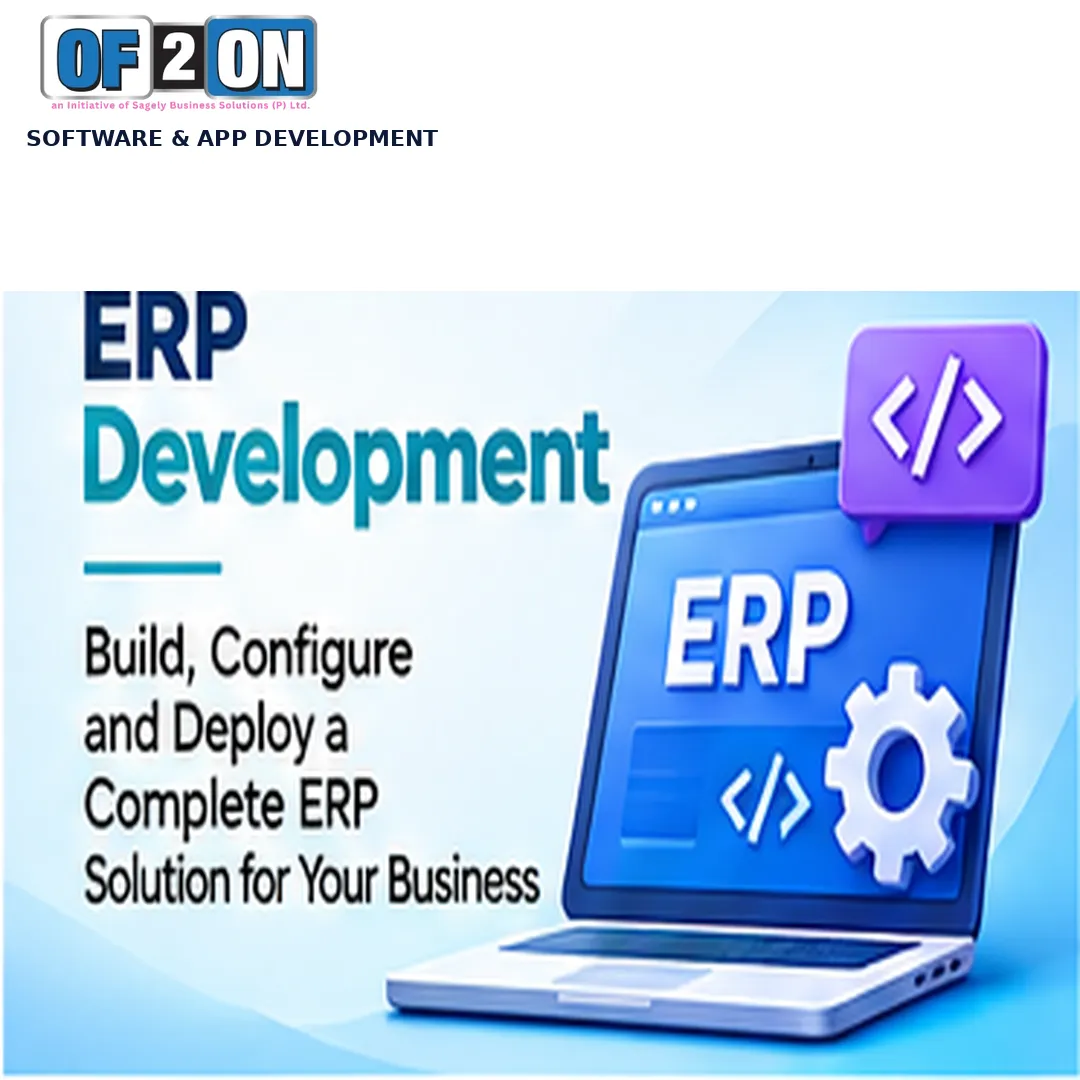
Bring Business Workflows Together
Enterprise Resource Planning (ERP) software brings important business processes together through a connected system. Instead of managing separate records across disconnected tools and spreadsheets, an ERP application can help an organization coordinate information and workflows across departments.
Of2On helps businesses plan and develop custom ERP applications around their operational structure, business rules and reporting requirements. We begin by understanding how each department works, what information it needs, how tasks move between teams and which existing systems may need to connect.
Depending on approved scope, an ERP application may include modules for finance, sales, purchasing, inventory, warehouse operations, human resources, manufacturing, customer management, projects and reporting. Modules are selected according to the organization’s needs rather than adding unnecessary features.
A custom ERP project also requires planning user roles, permissions, data structures, approval workflows, reports and integrations. These elements help the application reflect the organization’s processes and provide appropriate access to business information.
From requirement analysis and module planning to development, testing, deployment preparation and handover, Of2On focuses on creating a maintainable business application that supports day-to-day operations.
Whether you are replacing spreadsheet-based processes, connecting separate departmental tools or planning a new ERP system, Of2On can discuss your requirements and help define a practical development roadmap.
Custom ERP Software for Connected Business Operations
Bring Your Departments, Data and Workflows into One System
Plan ERP Around Your Business
As a business grows, operational information can become spread across spreadsheets, applications and departmental processes. This can make it harder to maintain consistent records, follow approvals and understand the status of business activities.
A custom ERP application can be designed to connect the workflows that matter to an organization. It provides a planned structure for managing information across departments while allowing each team to work with features and permissions relevant to its responsibilities.
Of2On approaches ERP development by identifying the organization’s departments, business processes, data requirements and operational challenges. This helps determine which modules should be included, how information should move between them and which reports are useful.
Depending on the business model, a solution may cover finance and accounts, sales, customer records, purchasing, inventory, warehouse management, human resources, manufacturing, projects or service operations. The module list and functionality are defined with the customer.
The application architecture should also consider data migration, user roles, approval rules, integration requirements, backups, security controls and maintenance. These areas are reviewed during planning so the ERP aligns with the organization’s technical environment and operating practices.
The objective is to create a connected and understandable system that supports business processes, improves visibility of available information and gives teams a consistent way to manage their work.
Custom ERP Solutions for Different Business Needs
ERP applications designed around your industry and operations.
Manufacturing ERP

Trade ERP
Retail and POS ERP
Inventory ERP
Custom ERP Development Services
Explore the modules and capabilities of your ERP system.


Core Modules of a Custom ERP Application
Organize agreed financial workflows such as account records, transaction entries, expense tracking, invoices and summaries. Accounting rules, tax treatment and statutory reports must be defined for the business and jurisdiction.
Manage customer information, enquiries, quotations, sales orders and related activities according to the organization’s sales process.
Support supplier records, purchase requests, purchase orders, approvals and purchase tracking based on the agreed procurement workflow.
Track product or material records, stock quantities, movements and adjustments according to defined business rules.
Organize warehouse locations, goods receipts, dispatch activities and stock transfers where included in project scope.
Manage employee records, departments, designations, attendance or leave workflows according to approved HR requirements.
Plan agreed production activities, material requirements, work orders and production status tracking for applicable businesses.
Maintain customer records, interactions, follow-ups and sales-related information in a structured workflow.
Organize projects, tasks, responsibilities, milestones and status updates where project management is part of ERP scope.
Present operational summaries and reports based on information recorded in the application, with suitable filters and access permissions.
Define access for administrators, managers and staff according to their responsibilities and organizational access policies.
Support multiple business locations or departments where required, with suitable data access and reporting rules.
Custom ERP Application Development Services We Provide
From ERP planning and module development to integration.
Custom ERP Software Development
Build around your workflows and needs.
ERP Requirements and Consulting
Review processes and module scope.

Finance Module Development
Plan records, invoices and reports.
Inventory and Warehouse
Organize stock and warehouse tasks.
Why Choose Of2On for Custom ERP Development
Understand Needs
We begin by understanding how departments operate, what information they manage and where connected workflows are needed.
✓
Scoped Modules
We plan ERP modules around organizational priorities rather than adding unnecessary features that complicate daily use.
Strategy First
Connected Workflows
We consider how information moves between departments so the application can support agreed processes and reduce disconnected records.
</>
Roles and Access
We plan user permissions around job responsibilities and the organization’s access policies.
🖍️
Aa
🖼️
Data Planning
We review existing systems, data sources and migration requirements before defining supported integration methods.
HTML
CSS
JS
✓
Validation
We plan functional checks for modules, business rules, reports, permissions and important workflows before release.
✓
Maintainable Design
We consider application organization, documentation and future enhancements so the ERP can be managed as needs evolve.
Strategy First
Custom ERP Development Highlights
Important capabilities across your ERP project.
Build
Innovate
Grow
Innovate
Grow
Purchasing
Manufacturing
Our Custom ERP Software Development Process
From business analysis to a connected ERP application.

Business Discovery
Understand organizational structure, departments, workflows and operational challenges. Discuss business objectives, users, existing tools, approval processes, data and reporting needs, then identify priority modules.
Business Discovery
Understand organizational structure, departments, workflows and operational challenges. Discuss business objectives, users, existing tools, approval processes, data and reporting needs, then identify priority modules.
Module Architecture
Define the approved modules and technical structure. Plan application architecture, database relationships, user permissions, integration and migration needs, dependencies and risks.
Module Architecture
Define the approved modules and technical structure. Plan application architecture, database relationships, user permissions, integration and migration needs, dependencies and risks.
Workflow and UI
Plan dashboards, navigation, department screens, forms, approvals, task journeys, reports and summaries. Review the design against user needs and refine it as agreed.
Workflow and UI
Plan dashboards, navigation, department screens, forms, approvals, task journeys, reports and summaries. Review the design against user needs and refine it as agreed.
ERP Development
Implement agreed modules and business rules. Work may include frontend and backend features, data models, authentication, workflows, notifications, administration and reports.
ERP Development
Implement agreed modules and business rules. Work may include frontend and backend features, data models, authentication, workflows, notifications, administration and reports.
Custom ERP Application Development Overview
Understand ERP modules, business workflows and implementation planning.
Enterprise Resource Planning (ERP) software coordinates business information and workflows across departments. Depending on organizational requirements, an ERP application may connect finance, sales, purchasing, inventory, warehouse operations, human resources, manufacturing, projects and reporting.
A custom ERP application is planned around a business’s operating model. The objective is to identify the processes that need support, define how information should move between departments and establish a system authorized users can work with consistently.
The first stage is business analysis. Each department may have different responsibilities, records and approval processes. Finance teams may manage invoices and expenses, sales teams may manage enquiries and orders, purchasing teams may handle supplier requests and inventory teams may track stock movements. These workflows should be documented before modules are designed.
ERP module planning helps determine which functions belong in the first release and which can be introduced later. A business may need a few connected modules initially, while another may require a broader system. Scope should reflect actual priorities, available data and implementation constraints.
Finance and accounts functionality may include transaction records, expense workflows, invoices, payment records and financial summaries. Accounting rules, tax treatment and statutory reports depend on the business and jurisdiction and should be reviewed by qualified professionals. ERP development does not automatically provide accounting or tax compliance.
Sales and customer management can support customer records, enquiries, quotations, orders and follow-ups. Connecting these records with inventory or purchasing workflows may help authorized users review relevant information without maintaining disconnected records.
Purchasing and supplier management may include supplier records, purchase requests, purchase orders, approval steps and receipt tracking. Features should reflect the organization’s procurement policies and approval responsibilities.
Inventory management can support product or material records, quantities, stock movements and adjustments. Warehouse features may include locations, goods receipts, dispatch, transfers and stock checks. Design should consider how stock information is entered, updated and validated.
Human resource modules may manage employee profiles, departments, designations, attendance, leave requests and selected administrative workflows. Payroll calculations and statutory requirements need jurisdiction-specific definition and should not be claimed unless included and validated for the relevant use case.
Manufacturing and production modules may support bills of materials, production planning, work orders, material requirements and production status. Suitable functionality depends on the organization’s production model and processes.
Project and task management features can help teams organize assignments, milestones, responsibilities and status updates. Reporting modules can summarize available business information through filters, tables, dashboards and exports according to user permissions.
User roles and permissions are important because not every employee should access every module or record. The application should define which users can view, create, edit, approve or export information. Permission rules should be tested using representative roles.
Database design provides the structure for ERP records and relationships. Data migration from spreadsheets or existing systems should be planned with mapping, validation, duplicate handling and reconciliation where required. Historical records may need different treatment from active operational data.
Integrations can connect the ERP with existing business systems when supported interfaces are available. Before implementation, define data ownership, authentication, synchronization frequency, error handling and responsibilities for external services.
ERP implementation also requires attention to usability. Employees should be able to understand their dashboards, locate relevant records and complete tasks without unnecessary steps. Training and documentation may be included in project handover to help teams understand agreed workflows.
Security considerations include authentication, authorization, input validation, secure configuration, appropriate logging, dependency updates and careful handling of business information. Backups, recovery responsibilities, access reviews and maintenance procedures should be planned with the organization.
Testing should cover individual modules as well as workflows that cross departments. For example, a purchase process may involve a request, approval, purchase order, goods receipt and inventory update. End-to-end validation helps check that connected steps follow agreed business rules.
Deployment planning should include the target environment, configuration, initial data, user access, release sequence and rollback considerations where applicable. The organization and development provider should agree who is responsible for infrastructure, backups, monitoring, updates and ongoing support.
A custom ERP does not automatically guarantee greater productivity, lower costs or error-free operations. Outcomes depend on requirements, data quality, implementation decisions, user adoption and ongoing operational practices.
Of2On approaches custom ERP development by understanding organizational processes before planning modules, data structures, user roles and integrations. Depending on agreed scope, services may include requirement analysis, ERP architecture, module development, database design, supported integrations, data migration, testing, deployment preparation, documentation and maintenance discussions.
The objective is to build an ERP application that reflects actual business workflows and provides a structured foundation for managing operations.
Custom ERP Project Planning Checklist
Important areas to confirm before ERP development begins.
Business Objectives
Department Needs
Current Processes
ERP Modules
Finance Requirements
Sales Workflows
Purchase Workflow
Inventory Needs
HR Requirements
Production Needs
Project Tasks
Reports and Data
User Permissions
Data Migration
API Integrations
Security Needs
Testing Criteria
Deployment Plan
User Documentation
Future Updates
Custom ERP Development Consultation
Discuss your departments, workflows and ERP module requirements with Of2On.


Plan ERP Modules and Connect Business Workflows
Discuss connected workflows, reporting and integration requirements with our team.